


With Bio-Rad’s commitment to education, we strive to empower our customers with training for optimal performance & results in your lab.
Bio-Rad is dedicated to providing educational resources that empower customers to achieve optimal performance and results in their laboratories. To further this commitment, Bio-Rad Applications Specialists are introducing an On-Demand Training platform specifically for Bio-Rad’s Unity QC Data Management. This platform offers tailored training videos that customers can access at their convenience, allowing them to learn and improve their skills at their own pace.
The training covers various aspects of Unity QC Data Management. Below outlines the topics covered for each training session:
Featured Content
Webinars

Unity Real Time:
Bench Level Training
- Signing on
- Main screen navigation
- Data Entry
- Reviewing graphs
- Bench level data review
- Accessing tools to sign-off

Unity Real Time:
Intermediate Level Training
- Adding & duplicating lots
- Reviewing graphs
- Data review
- Settings
- Accessing tools to sign off

Unity Connect 2
- Logging in
- Mapping a lot
- Mapping a test
- Mapping an instrument
- Using queue time
Featured Content
"How-to" Video Series
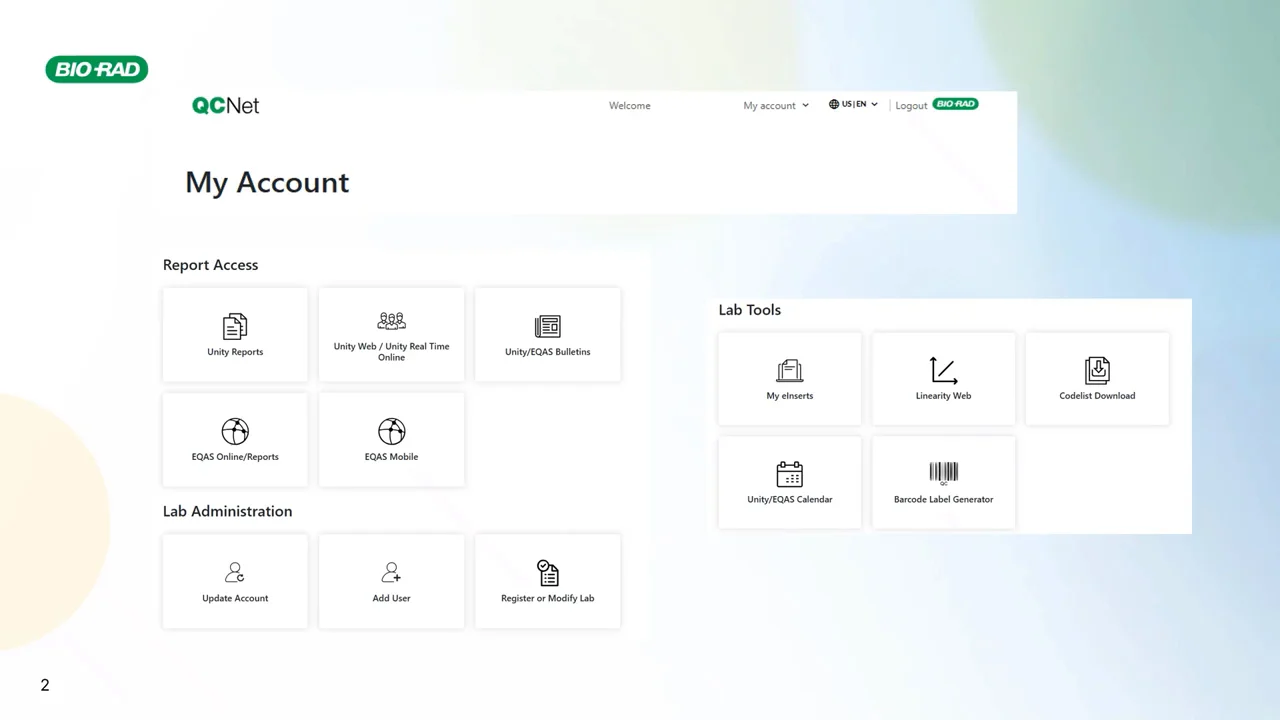

How to Set Up and Configure Unity Real Time to the Blood Bank
- Blood Bank QC - Current Practice
- How Can Unity Real Time Help?
- IH-Com and Unity Real Time Connectivity
- Connectivity Configuration Requirements
- Blood Bank QC Monitoring & Reporting with URT
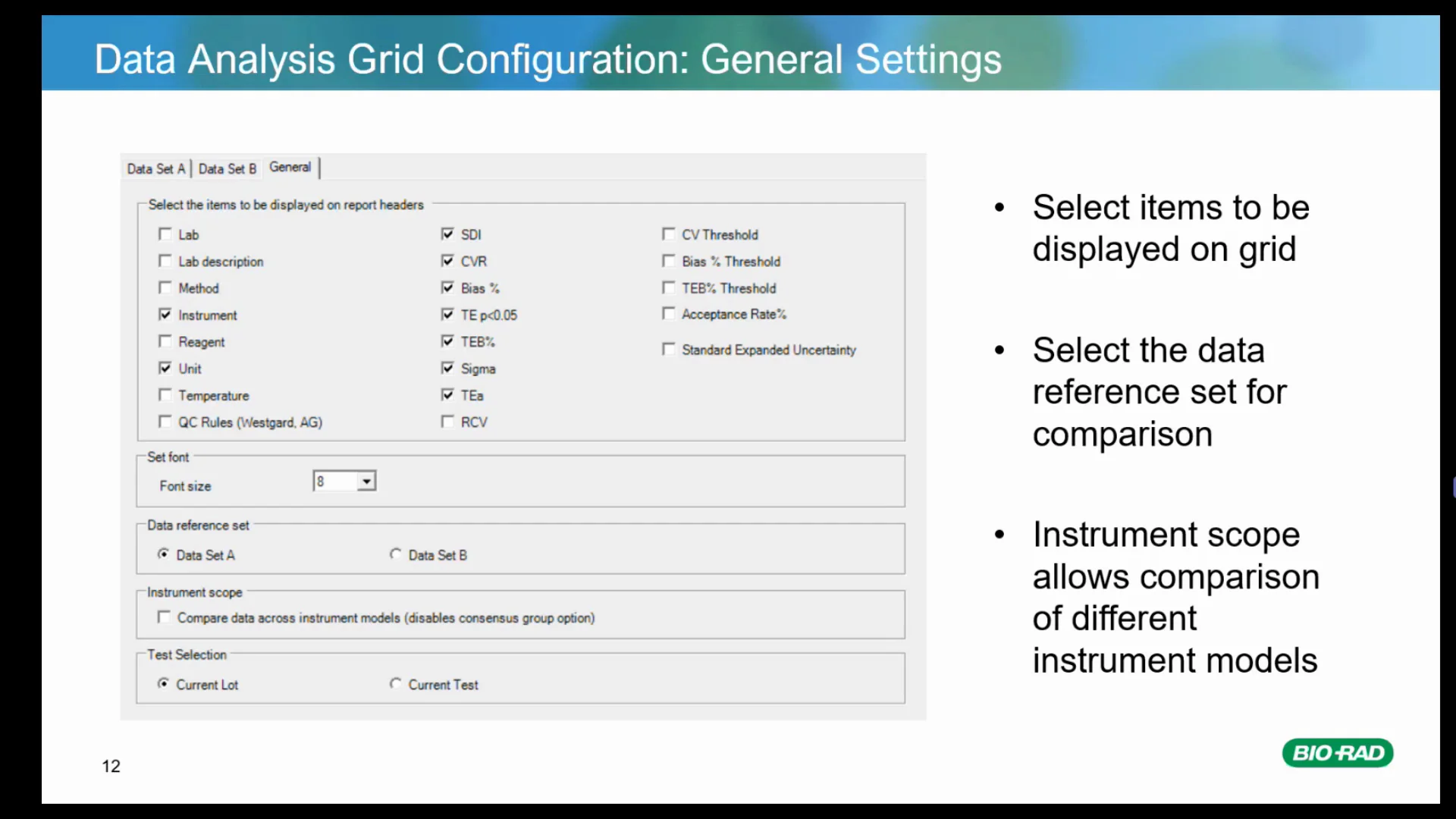
How to Series - Data Analysis Grid
Configuring and Using Data Analysis Grids
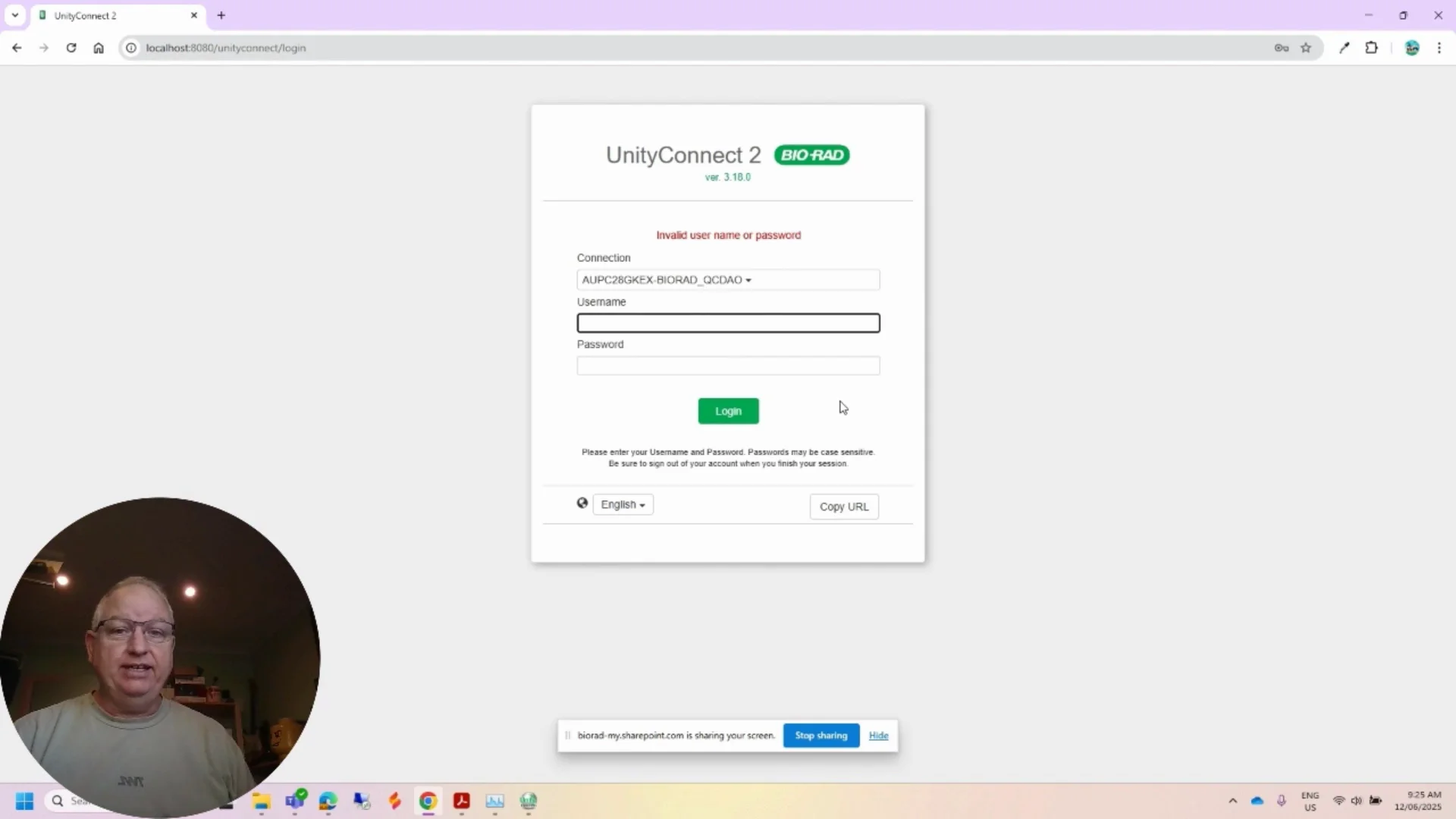
How to Series - UC2 Password Incorrect
A video on login issues
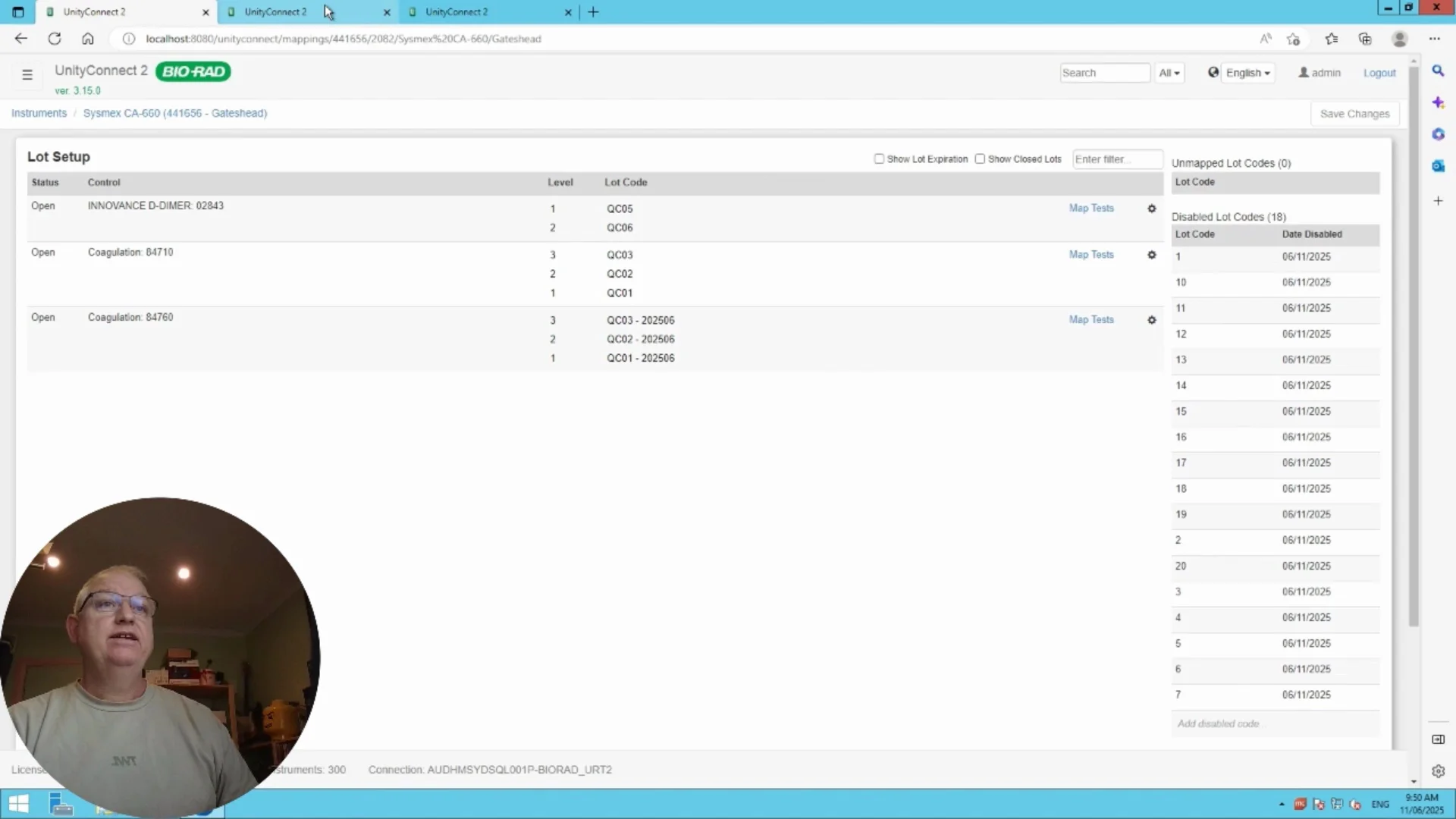
How to Series - UC2 Static vs Unique Code
A static or generic code and a barcode which will be a unique code which will come from the instrument
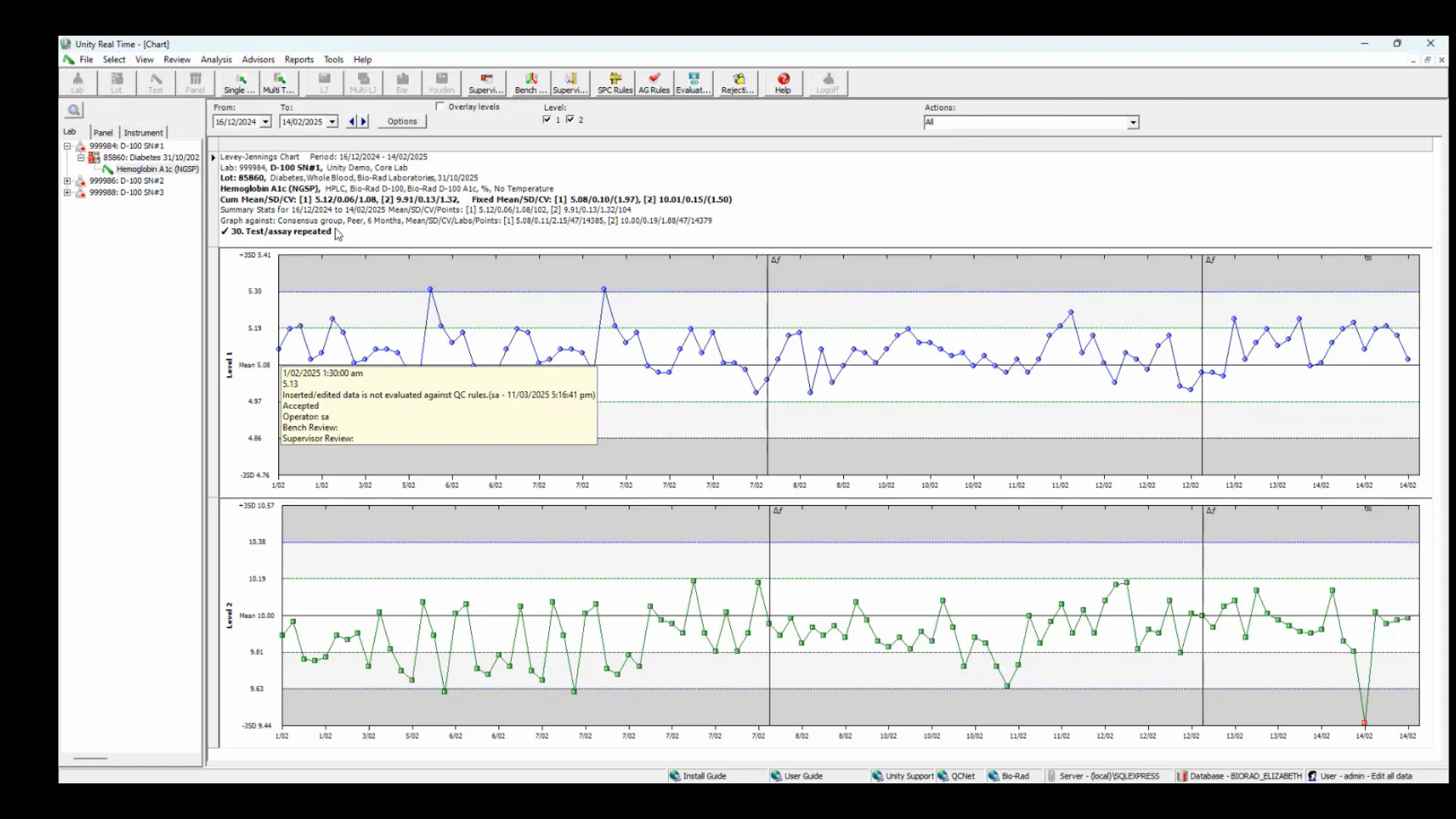
How to Series - Unity Against Graph
Analyze your data using the graph against options
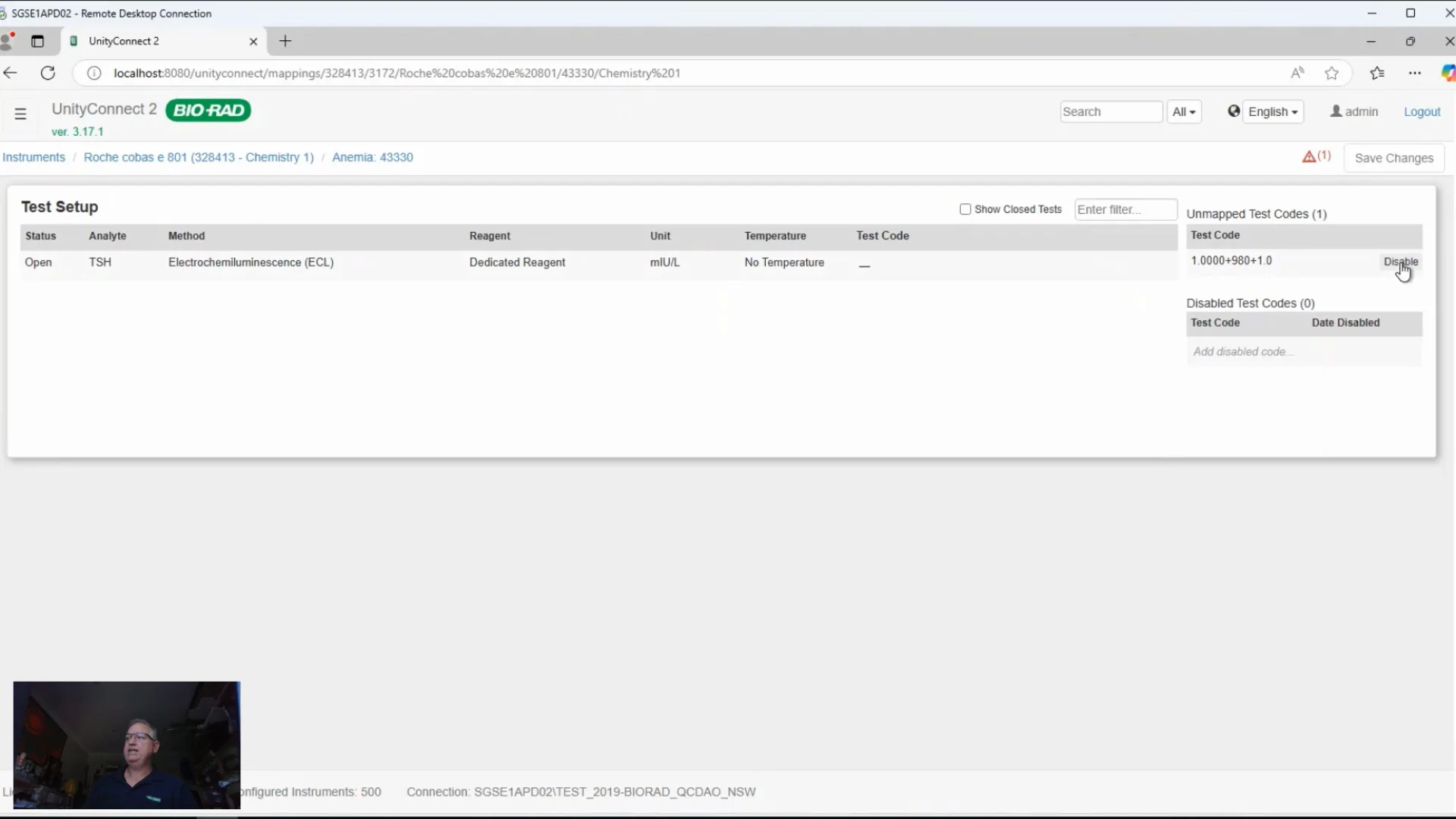
How to Series - Why We Map
and Disable in UC2
UnityConnect two and why we need
to disable the codes
Featured Content
Resources
-
Image

QC Workbook: Basic Statistics in Laboratory Quality Control
-
Image
Unity Real Time® 2.0 Quick Guide
Provides step-by-step instructions for efficiently navigating and using Unity Real Time
-
Image
Contact
Would you like someone from Technical Support or a Sales Specialist to contact you? Please click on the link.


By offering these comprehensive training resources, Bio-Rad aims to enhance the knowledge and skills of its customers, ensuring they can effectively manage their quality control data and achieve reliable laboratory outcomes